1.成品展示:
阐释:我的代码以PWM做LED灯,点KEY2为启动程序按键,实现了其LED灯闪烁10秒后停下的功能,在这10秒间按KEY2对其LED灯闪烁没有影响。
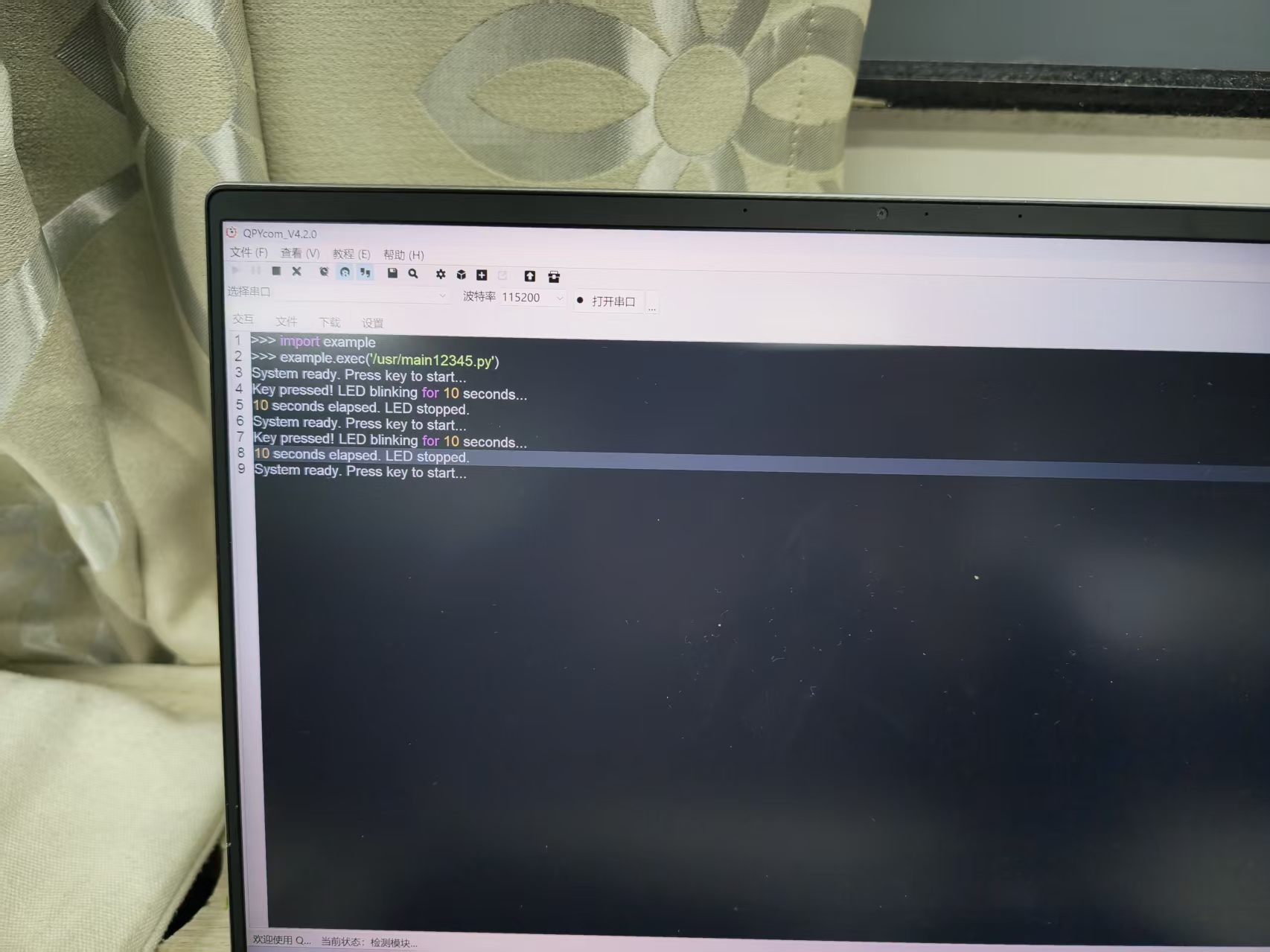
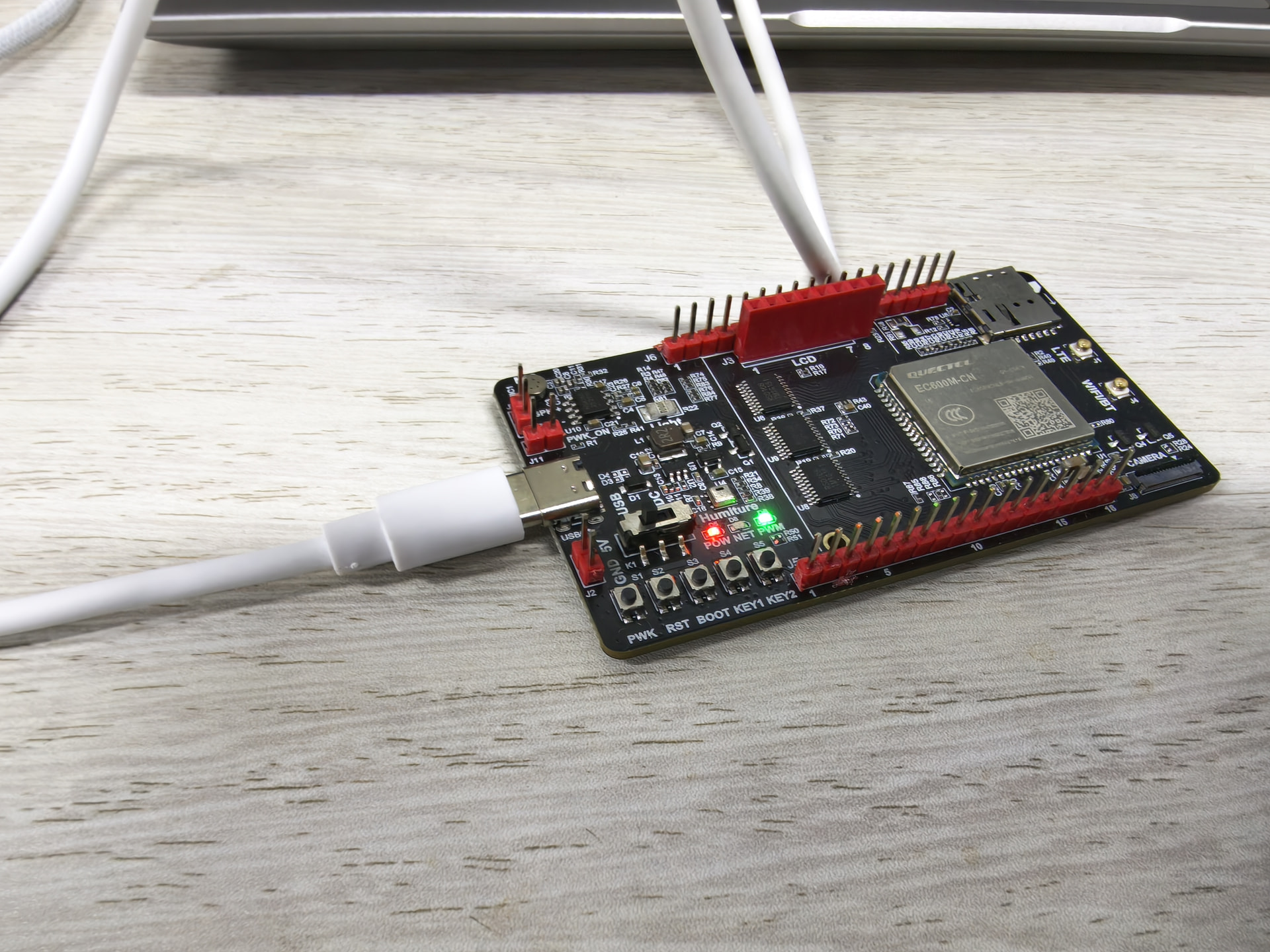
如以上照片,完美实现了其LED灯的练习功能描述,以下我用al生成的代码:
from machine import Pin, ExtInt, Timer
import osTimer
import utime
D6 LED: PIN52 → GPIO24; S5 user button: PIN59 → GPIO12.
LED_GPIO = Pin.GPIO24
KEY_GPIO = ExtInt.GPIO12
KEY_PIN_GPIO = Pin.GPIO12
BLINK_INTERVAL_MS = 200
BLINK_DURATION_MS = 10000
DEBOUNCE_MS = 50
led = None
key_pin = None
key_exti = None
blink_timer = None
timeout_timer = None
debounce_timer = None
blinking = False
def blink_callback(args):
if not blinking:
return
led.write(0 if led.read() else 1)
def timeout_callback(args):
global blinking
blinking = False
blink_timer.stop()
led.write(0)
print("10 seconds elapsed. LED stopped.")
print("System ready. Press key to start...")
key_exti.enable()
def debounce_callback(args):
global blinking
if key_pin.read() == 0 and not blinking:
    blink_timer.stop()
    timeout_timer.stop()
    led.write(0)
    blinking = True
    print("Key pressed! LED blinking for 10 seconds...")
    blink_timer.start(
        period=BLINK_INTERVAL_MS,
        mode=Timer.PERIODIC,
        callback=blink_callback,
    )
    timeout_timer.start(
        period=BLINK_DURATION_MS,
        mode=Timer.ONE_SHOT,
        callback=timeout_callback,
    )
else:
    key_exti.enable()
def key_callback(args):
key_exti.disable()
debounce_timer.start(DEBOUNCE_MS, 0, debounce_callback)
def main():
global led, key_pin, key_exti
global blink_timer, timeout_timer, debounce_timer
led = Pin(LED_GPIO, Pin.OUT, Pin.PULL_DISABLE, 0)
led.write(0)
key_pin = Pin(KEY_PIN_GPIO, Pin.IN, Pin.PULL_PU, 1)

blink_timer = Timer(Timer.Timer0)
timeout_timer = Timer(Timer.Timer1)
debounce_timer = osTimer()
key_exti = ExtInt(
    KEY_GPIO,
    ExtInt.IRQ_FALLING,
    ExtInt.PULL_PU,
    key_callback,
)

print("System ready. Press key to start...")
key_exti.enable()

while True:
    utime.sleep_ms(1000)
main()
2.问题阐述:
面对应用程序下载出现以下小插曲
①移远端口的驱动程序显示需要将版子PWK长按3秒开机;
可知PWK按键具有开机作用
②MCP服务可能加入程序不出现启动按键显示;
处理很简单:只需在使用al功能时添加到上下文,但代码一定不要出错
③使LED闪烁的代码要有其原理图,联系到上下文,使LED灯口的gpio口对应。
3.知识收获:
①面对产品前,要熟悉其应用程序,如VScode,QPYcom,还需注意VScode中各种硬件的安装使用;
②al生成代码过程中要掌握其调试能力,能用al进行改错;
③板子是代码最好的检验品。
4.总结:
面对一个新知识的学习,我熟练掌握了这些应用程序的功能,至于问题的解决,大多数是通过咨询移远工程师–蒙老师的,另外录屏视频里叫学真的很有用,反复观看能让我有不一样的发现和思考。感谢工程师的指导和老师的培养。