开发板:QuecDuino EVB V1.1,模组:EC800M-CNGB
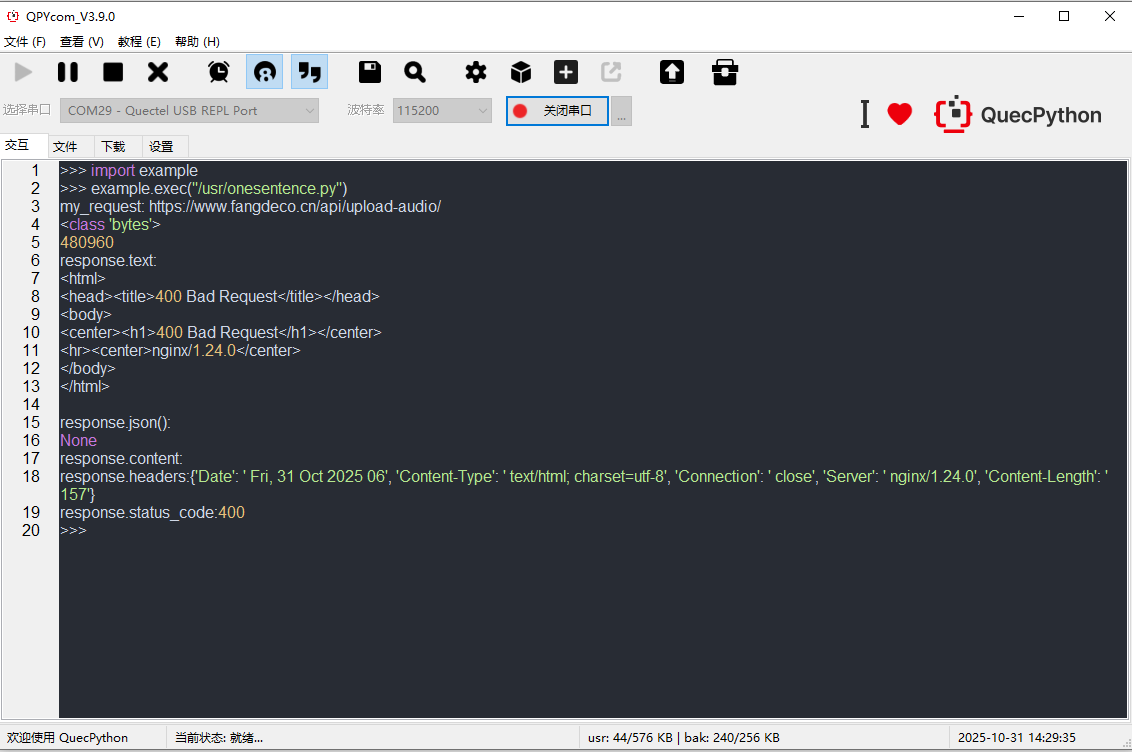
功能:通过request.post()向阿里智能语音平台发送录音文件,进行语音识别。
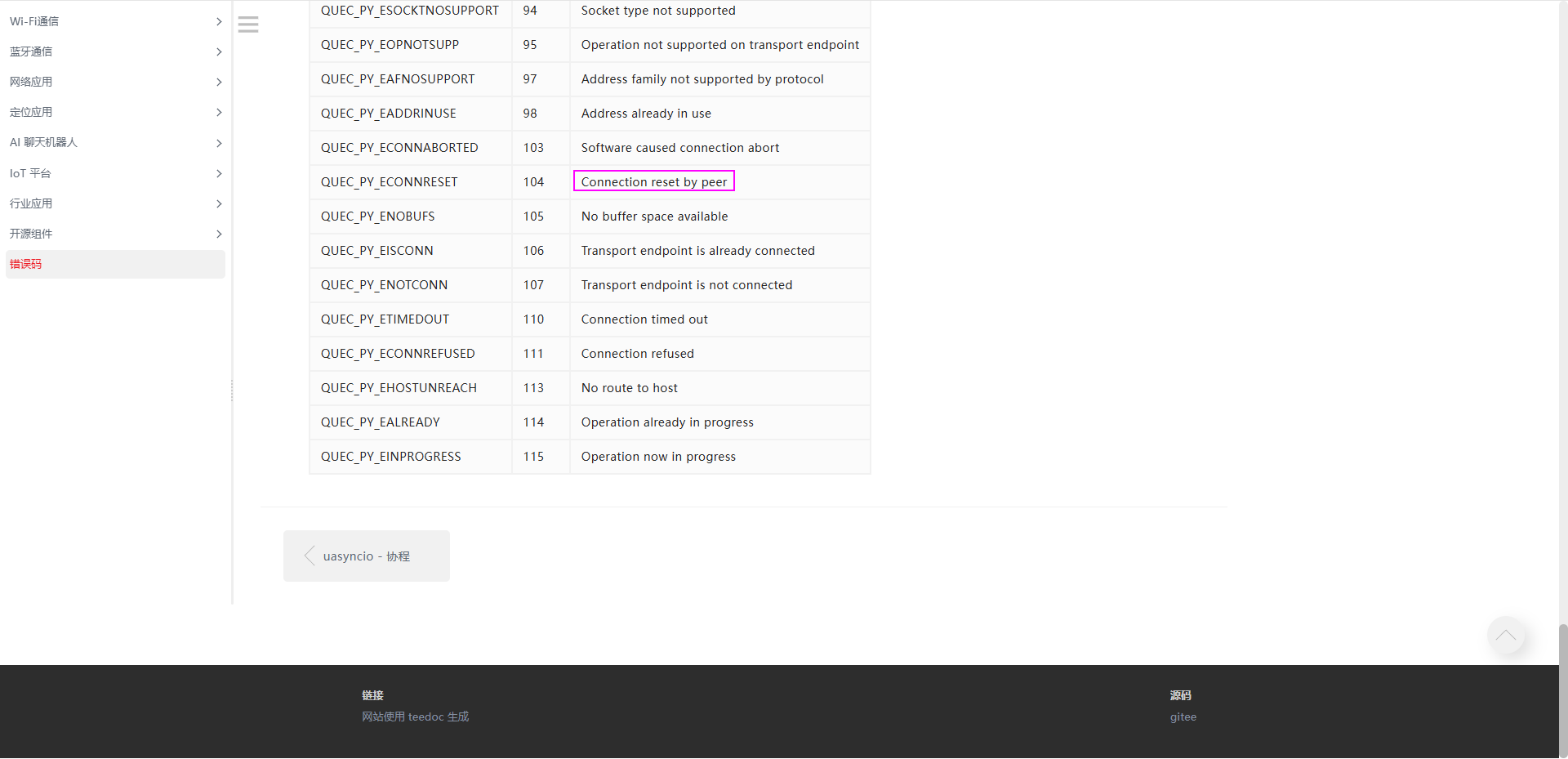
错误:OSError: -104
不知道问题所在。
-- coding: UTF-8 --
import request import ujson,uio
def process(my_request, token, audioFile) :
# 读取音频文件

with uio.open(audioFile, mode = 'rb') as f:
    audioContent = f.read()

print(len(audioContent))

# 设置HTTPS请求头部
httpHeaders = {
    'X-NLS-Token': token,
    'Content-Type': 'application/octet-stream',
    'Content-Length': str(len(audioContent))
    }

response=request.post(url=my_request,data=audioContent,headers=httpHeaders)


print('Response status and response reason:')
print(response.status ,response.reason)

body = response.read()
try:
    print('Recognize response is:')
    body = ujson.loads(body)
    print(body)

    status = body['status']
    if status == 20000000 :
        result = body['result']
        print('Recognize result: ' + result)
    else :
        print('Recognizer failed!')

except ValueError:
    print('The response is not json format string')

conn.close()
appKey = ‘M6QJ2YbpCx8SoCGR’ token = ‘1ad5e7992597420db954c703c922c881’
服务请求地址
url = ‘https://nls-gateway-cn-shanghai.aliyuncs.com/stream/v1/asr’
音频文件
audioFile = ‘/usr/nls-sample-16k.wav’ format = ‘pcm’ sampleRate = 16000 enablePunctuationPrediction = True enableInverseTextNormalization = True enableVoiceDetection = False
设置RESTful请求参数
my_request = url + ‘?appkey=’ + appKey my_request = my_request + ‘&format=’ + format my_request = my_request + ‘&sample_rate=’ + str(sampleRate)
if enablePunctuationPrediction : my_request = my_request + ‘&enable_punctuation_prediction=’ + ‘true’
if enableInverseTextNormalization : my_request = my_request+ ‘&enable_inverse_text_normalization=’ + ‘true’
if enableVoiceDetection : my_request = my_request + ‘&enable_voice_detection=’ + ‘true’
print('my_request: ’ + my_request)
process(my_request, token, audioFile)